AI Assistant for Instagram
What’s New in HeyFred 1.9.0
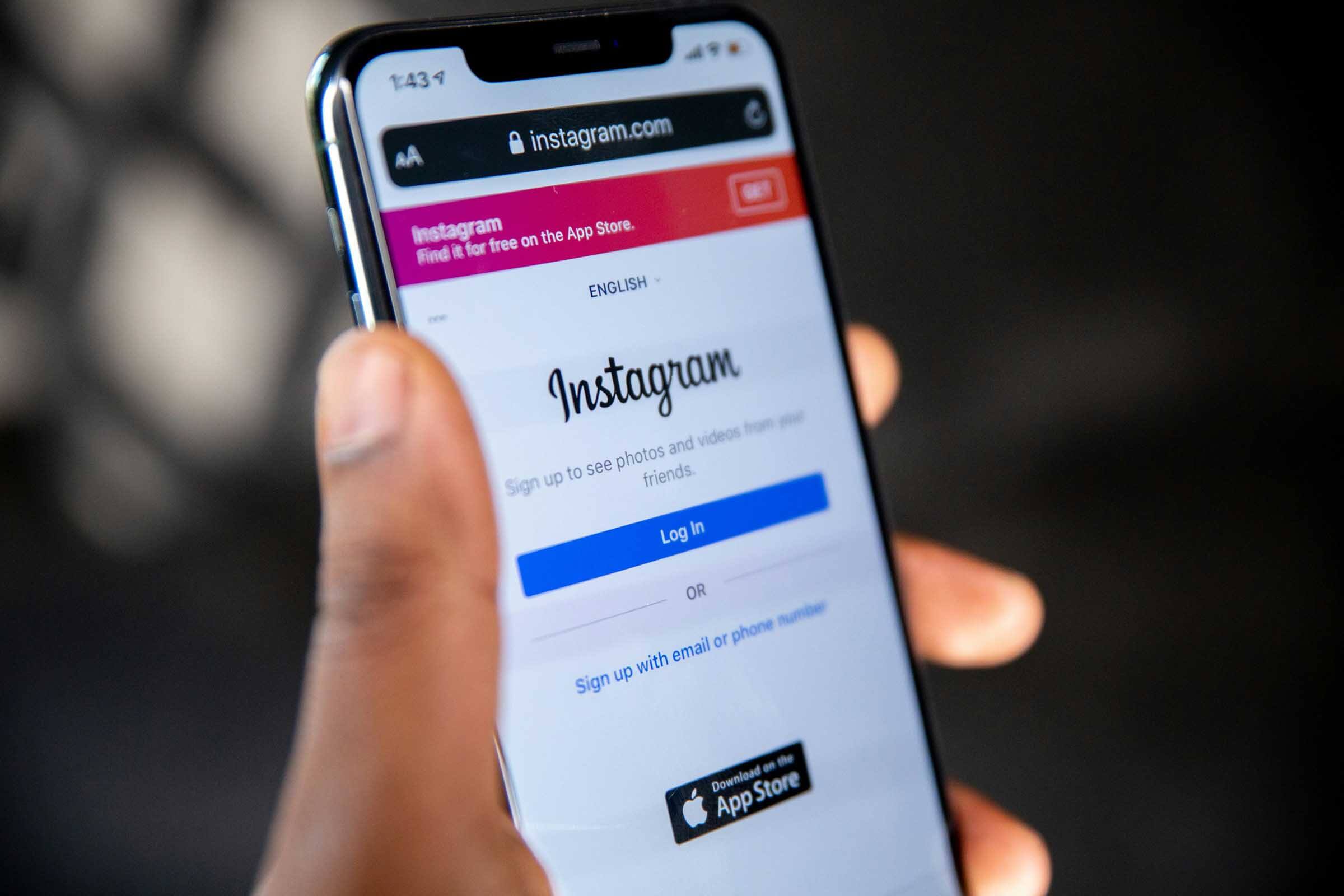
HeyFred 1.9.0 includes several major new features. The most important one: Fred is now also an AI assistant for Instagram. You can have Instagram messages replied to automatically, just like you’re used to with WhatsApp, Facebook Messenger, and the chat feature on your website.
In addition, security has been further enhanced, and you can now send campaigns via text message as well. In this update, you’ll learn what has changed, how to set up the new features, and what this means for your business.
Instagram Added as a Channel: Here's How It Works
With this release, HeyFred can respond instantly to messages received through your business Instagram account. Everything works the same way as it does on WhatsApp or Messenger: link your account, assign an assistant, and you’re up and running.
This is convenient if you have many customers who reach out via Instagram, for example, to schedule appointments or ask questions about products or availability.
- Link your Instagram account via the new Channels page.
- Choose which assistant will handle the messages.
- All Instagram conversations appear in the same inbox as your other channels.
- Read the entire conversation, take over yourself, or let HeyFred wrap up the conversation.
This means you no longer have to switch between different apps. Everything is neatly organized in one place, and you can immediately see which conversations are still open. If you want to reply from the original Instagram app, you can do so with a single click: you’ll be taken directly to the conversation on Instagram itself.
Here's how to enable the AI assistant for Instagram.
- In HeyFred, navigate to the new Channels page.
- Click on Instagram and select "Link Account."
- Log in to your Instagram account if you are prompted.
- Select the AI assistant template you want, or create your own assistant.
- Done. New messages will now appear in your HeyFred inbox and will be retrieved automatically.
You can always see your connection status immediately. If there’s an issue with your Instagram connection, such as a changed password, you can reconnect with a single click. This ensures that you remain reachable.
Built for businesses that can’t afford to miss a call.
Car dealerships
Proactively call customers to arrange maintenance or MOT appointments and schedule them automatically
DISCOVER MOREFreelancers & Self-employed professionals
Fewer distractions from calls and text messages
DISCOVER MOREStronger security: two-factor authentication and a security hub.
Security is important. That’s why HeyFred now has a more comprehensive security page. You can set it up so that two-factor authentication is always required when you log in. This can be done using an authenticator app or a one-time code sent via email. You can also see all devices that are logged in, log them out immediately, and view a clear log of all security actions.
- Enable two-factor authentication (2FA) via an app or email code.
- Mark trusted devices so you don’t have to verify every time.
- Overview of active sessions and locations, with the option to log out immediately.
- Log of all important security actions.
- Identity verification for sensitive actions, such as changing your password.
You’ll find everything on the updated security page in your account settings. This way, you can be sure your business won’t be taken over just because a password was stolen.
SMS and WhatsApp Campaigns: Now Even Simpler
With HeyFred, you can now set up campaigns to send bulk messages to your lead list via text message or WhatsApp. This is useful for things like appointment reminders, promotions, or collecting feedback. When creating a campaign, simply select your preferred channel: text message or WhatsApp.
- Set a start date and time for your campaign.
- Send messages automatically, even when you’re not at your computer.
- View sent messages and replies directly in the campaign or on the relevant lead’s profile.
- A new date and time selector prevents errors when scheduling.
All communication is centralized through HeyFred. You don’t have to copy and paste anything yourself. As soon as a lead responds, you’ll see it immediately in your inbox, and you can take over the conversation yourself or let HeyFred continue replying.
All channels in one place with the new Channels Hub
Version 1.9.0 introduces a separate Channels hub. Here, you can see at a glance which channels are active, their status, and easily create new connections. Each channel has its own color and a clear status indicator. This makes managing your customer interactions faster and more organized.
- Voice, WhatsApp, text messages, web chat, Messenger, and Instagram, all on one page.
- See at a glance whether a channel is active and connected.
- Adding new channels or updating existing links now takes only a few seconds.
So you no longer have to search through different menus. Every channel is immediately accessible, and you can see right away if everything is working properly. This way, you can stay in control of all your customer interactions, without any hassle.
Get started right away with Instagram, text messaging, and more.
With HeyFred 1.9.0, you can maximize your customer interactions. You’re available wherever your customers are, everything is securely managed, and you save time with campaigns and centralized channel management. Want to see for yourself how it works, or do you have questions about connecting Instagram or setting up SMS campaigns? Try it out in your own account, or contact HeyFred for a demo.