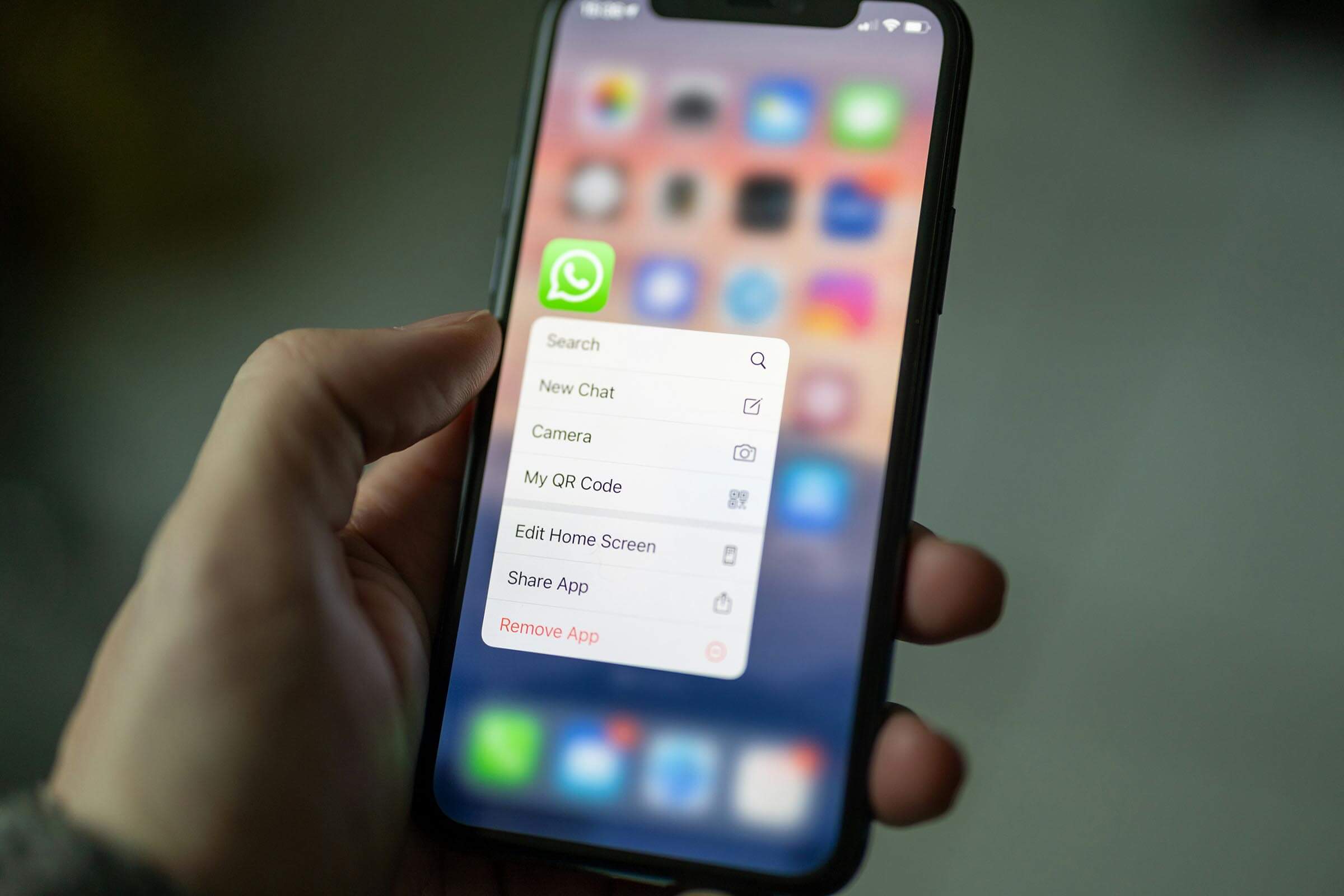
WhatsApp voice calls are now available on HeyFred.
We’re very proud to introduce a major new feature to the platform. You can now use WhatsApp voice calls directly from your existing WhatsApp channel. Customers can call you using the familiar call button in their WhatsApp chat. HeyFred automatically answers the call. You can also make outbound calls to customers.
How do WhatsApp voice calls work in Fred?
- Customers call you: Anyone who has your WhatsApp number can call you. They click the call button in WhatsApp, and the call goes directly to your HeyFred assistant.
- You call customers: WhatsApp first asks the customer for permission. Through the HeyFred platform, you send a “Request to Call” message in the chat with the customer or user. As soon as the customer clicks “Allow,” you can call them via WhatsApp for up to 7 days.
- One toggle per number: In HeyFred, you open your WhatsApp sender, turn on calling, and it’s active from that moment on. You’ll see exactly which assistant will answer the call in advance.
The same rules apply to incoming and outgoing calls as with regular phone service. The big difference is that everything goes through your company’s existing WhatsApp number. Customers don’t have to trust an unknown number, and you don’t need to configure anything extra beyond enabling the call option on the number.
Making Calls Yourself via WhatsApp: How Does It Work?
Calling customers is fully compliant with WhatsApp’s terms and conditions. You start from the existing conversation between the customer and HeyFred, select “Request a call,” and send that request to the customer.
Only after the customer taps “Allow” in the WhatsApp app can you start the call. You can then call that specific customer multiple times for seven days, as long as that permission remains valid. This prevents unwanted calls and ensures the customer always knows who is calling.
- Open the WhatsApp conversation with the customer in HeyFred.
- Click “Request to Call.”
- The customer receives the request in WhatsApp and taps “Allow.”
- You can now call them directly via WhatsApp, just like a regular phone call.
Fred does more than call
Fred answers calls, but makes them too. He can WhatsApp, reply to the website live chat and manage Facebook Messenger.


Fred manages your WhatsApp
Fred answers questions, handles reservations and appointments and helps customers on WhatsApp — 24/7, just as smoothly as on the phone.
More about the AI WhatsApp AssistantActivation and Setup: It's That Simple
Enabling and Setting Up: It's That Simple
Enabling WhatsApp voice calls is as simple as toggling a single switch per number. Go to Channels → WhatsApp, open an existing sender or add a new one, and click Enable Calls. On the same page, you can always see which assistant is linked to the number and who will therefore answer incoming calls.
You don’t need to configure anything else regarding routing, voicemail, or call forwarding. WhatsApp calls behave just like any other incoming call in HeyFred. Recording, transcription, analysis, and all existing tools work automatically for these calls.
In the call overview, you’ll see WhatsApp calls marked with a clear icon. The call also appears in the chat thread with the customer. This keeps everything organized in one place.
What if calling isn’t possible?
If calling a contact or number isn’t allowed (yet), you’ll immediately see a clear reason for this on our platform.